The free Magic Lantern App for smart RGBIC LED lights.
Control your Bluetooth LED strips with the Magic Lantern App — color, music sync, scenes and timers on iPhone, iPad and Android.
Free · No account required · 32 languages
Everything the Magic Lantern App can do for your LED lights
A complete RGBIC controller in your pocket. Replace the clunky remote — keep every feature, plus a few your remote never had.
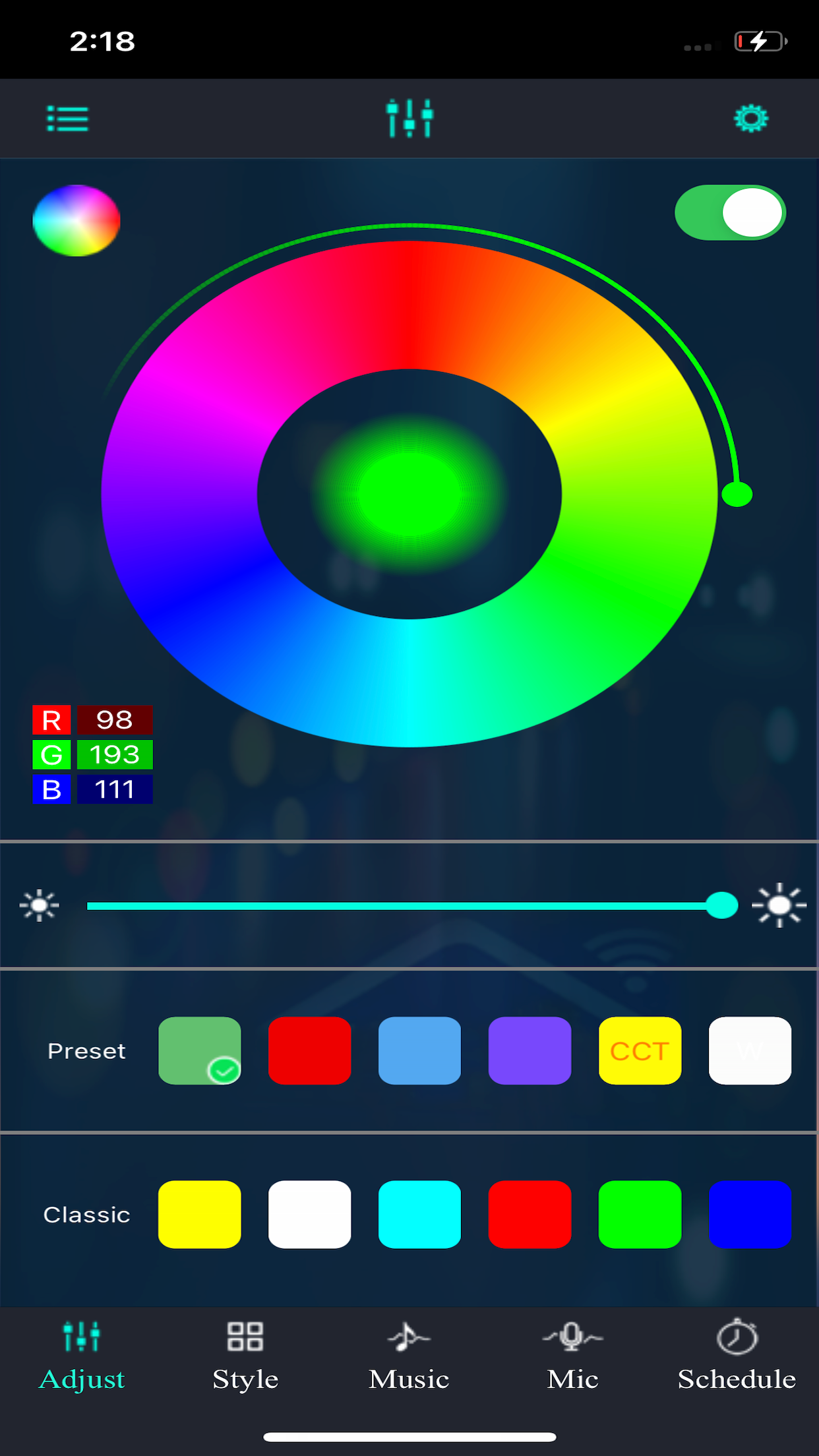
Color wheel & RGB sliders
Pick any hue from the full color wheel or fine-tune with R, G and B sliders. Brightness and color temperature on tap.
Dynamic modes & scenes
Dozens of preset scenes — relax, party, sleep, focus — plus dynamic patterns that breathe, flash and fade on their own.
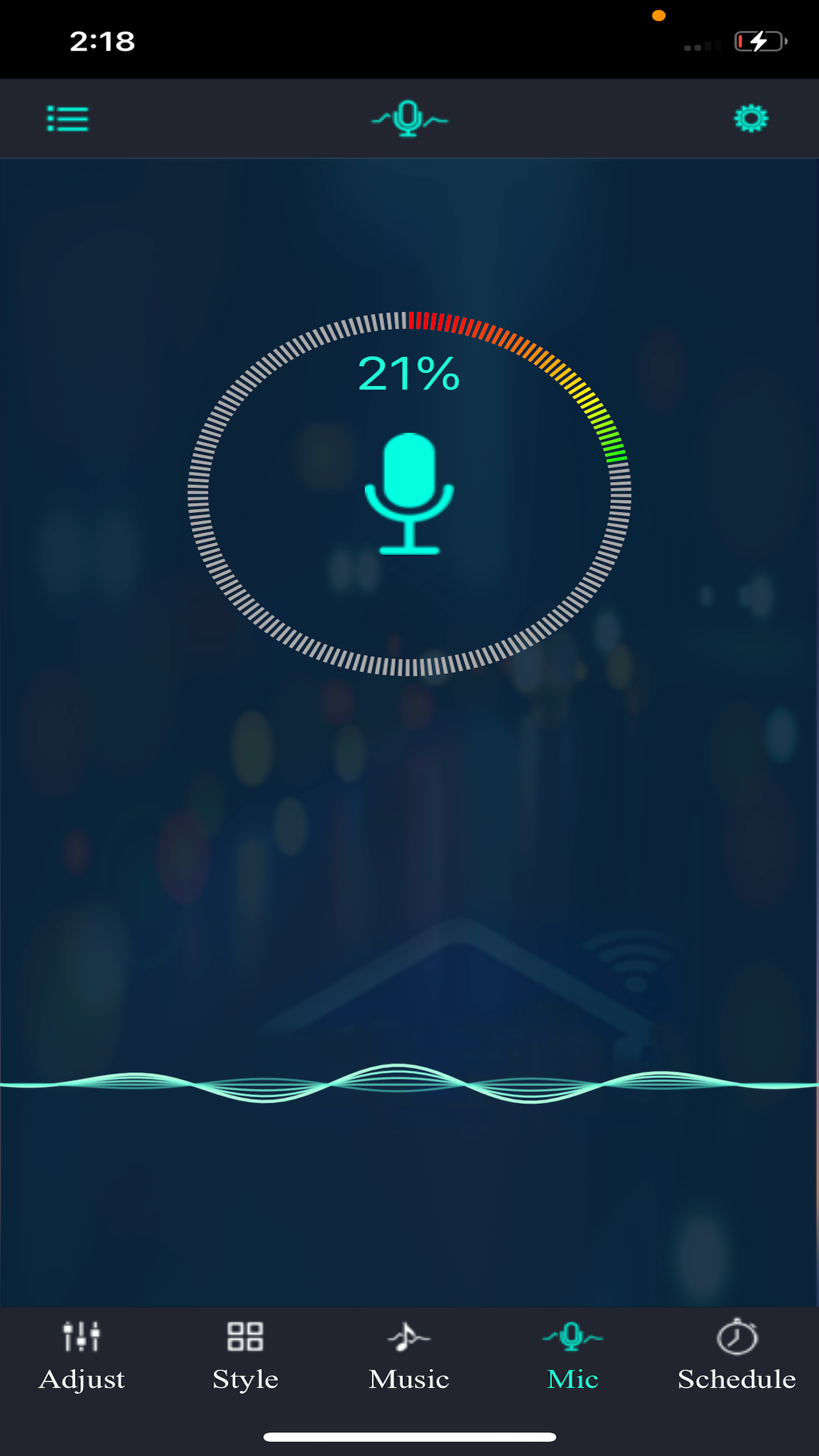
Music rhythm sync
Multiple rhythm styles react to your phone mic. Add music to the Magic Lantern App and watch the room move.
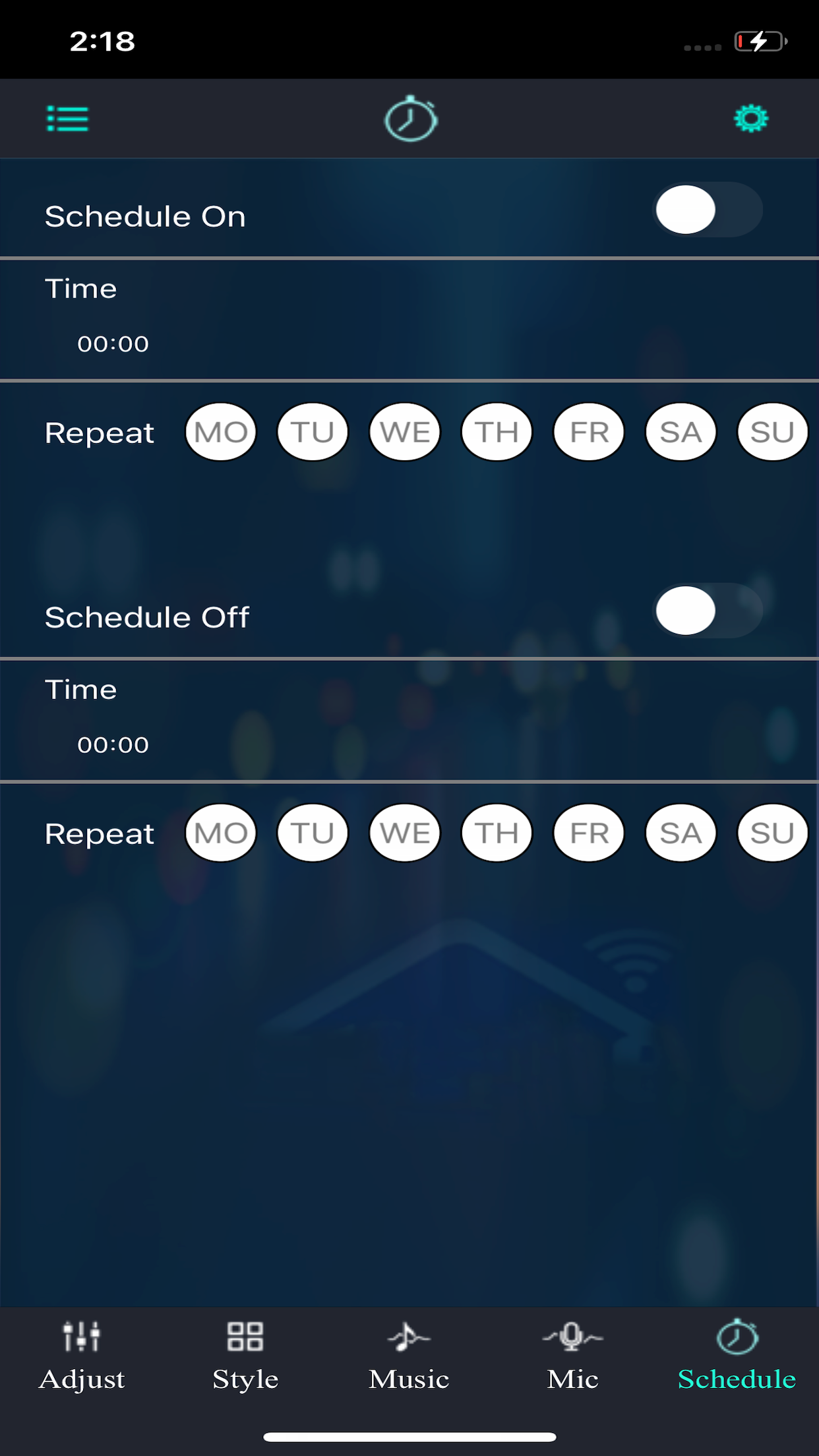
Timers & schedules
Turn lights on at sunset, off at bedtime, or run a custom schedule. Set it once, forget it.
Pixel & line sequence
Address strips pixel-by-pixel. Customize line sequences so animations flow exactly the way you wired your strip.
Multi-device pairing
Manage every lamp in your home from one Bluetooth lamp list. Switch instantly without re-pairing.
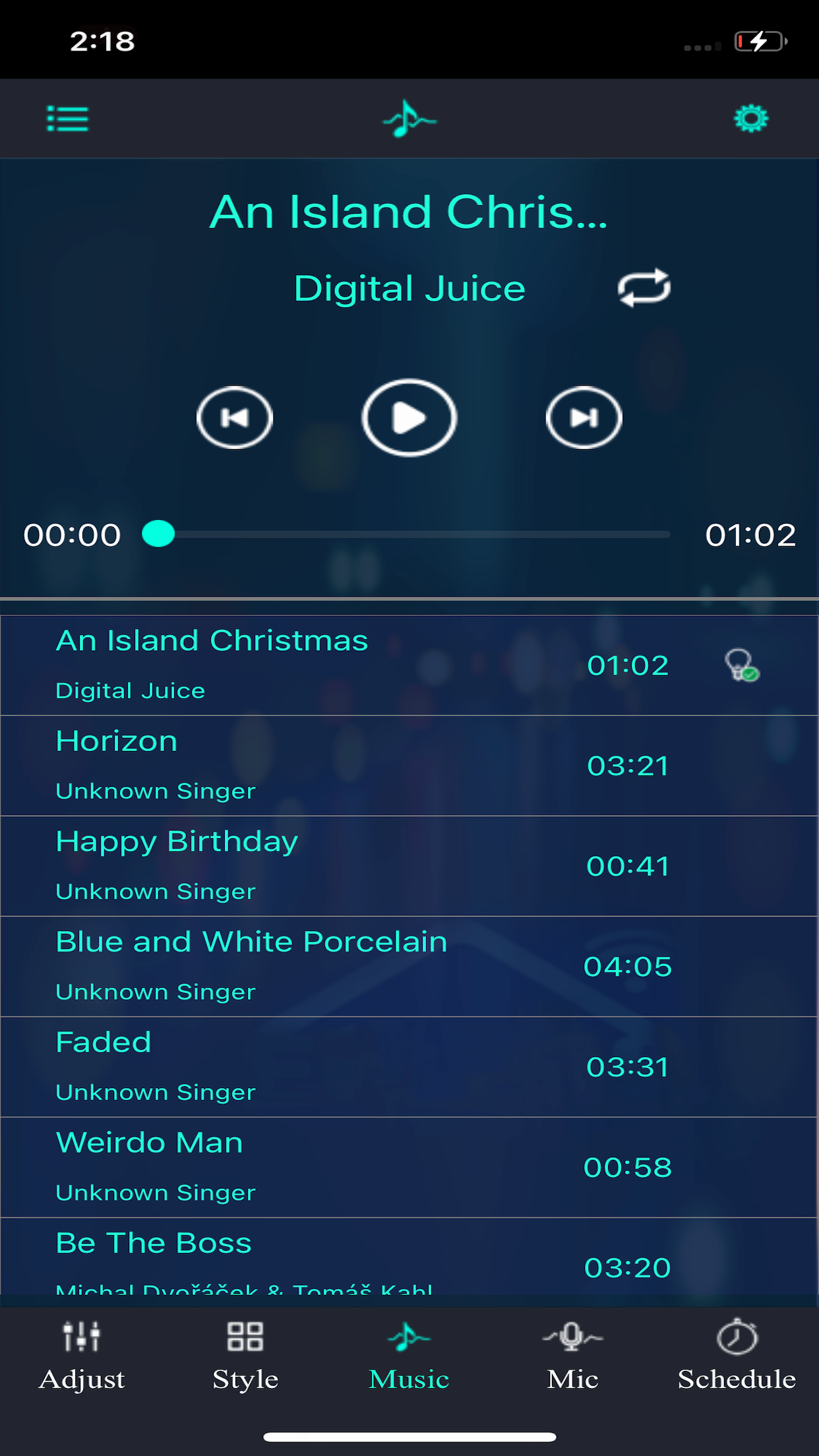
Add music to the Magic Lantern App and let your lights dance.
The app listens through your phone microphone or an audio source and matches your strip to the beat in real time. Multiple rhythm styles let you tune the response from gentle pulse to full party strobe.
A scene for every moment.
Preset scenes built by the Magic Lantern team plus customizable patterns. Tap once to switch the mood, or tweak any preset down to the pixel.
Three steps to control your Magic Lantern lights.
No account, no setup wizard, no cloud. Open the box, plug in your strip, pair, done.
Download the Magic Lantern App
Grab the free app from the App Store or Google Play. iOS 12 and Android 6 or later.
Power on your LED strip
Plug in your RGBIC strip, corner lamp or ambient light. Most strips are pairable out of the box.
Pair via Bluetooth
Allow Bluetooth access, let the app auto-search, tap your lamp in the list, and start controlling.
Works with the RGBIC strip you already own.
The Magic Lantern App pairs with most Bluetooth-enabled RGBIC light strips, corner lamps, car LED kits and ambient lighting sold under generic and third-party brands.
RGBIC LED light strips
Corner & floor lamps
Car & vehicle LED kits
Desk & ambient lights
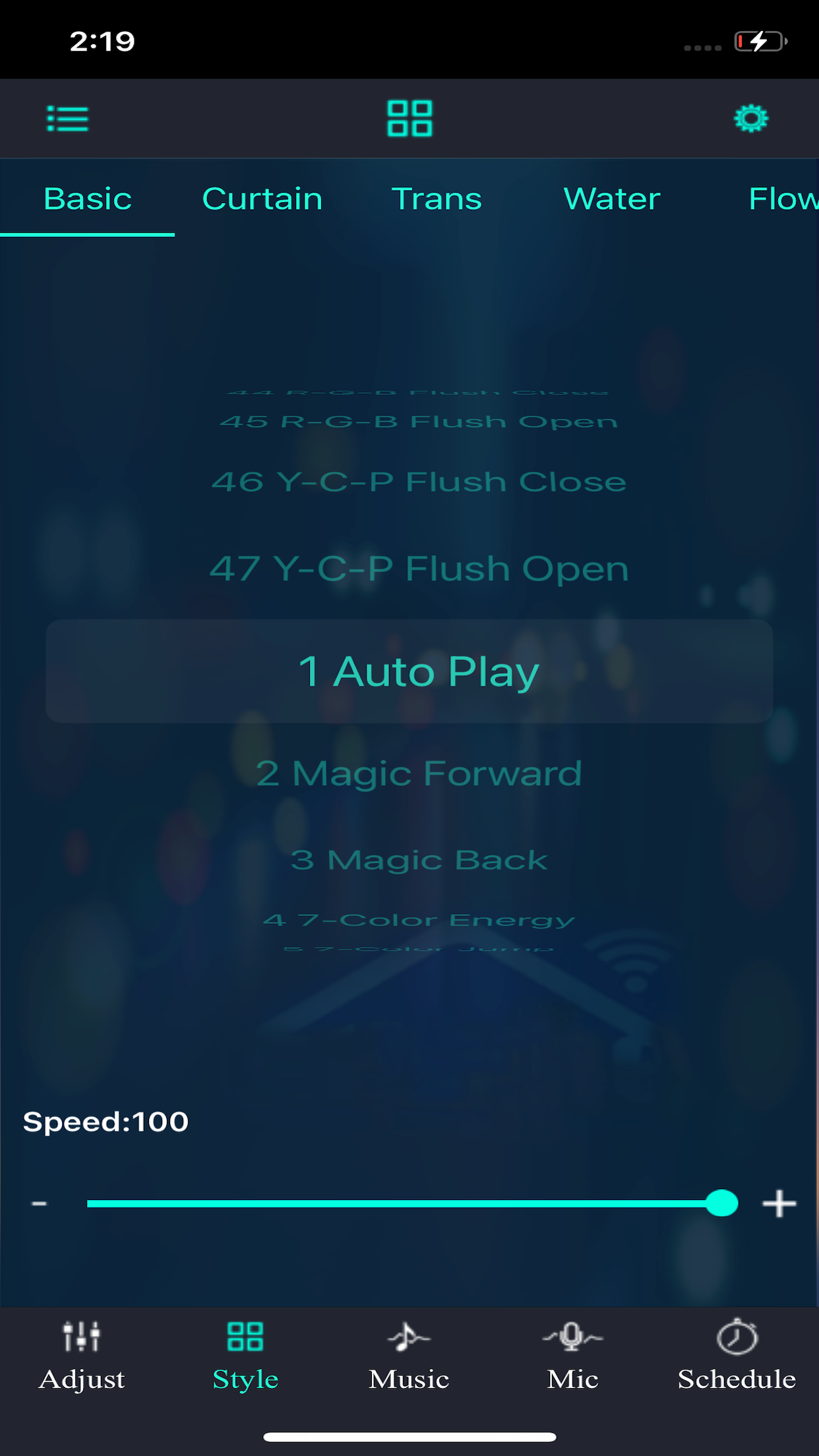
See the Magic Lantern App in action.
Real screenshots from the published iOS app.
Find an answer in the Help Center.
Step-by-step guides for setup, Bluetooth, music sync, timers and the remote control — written by the Magic Lantern team.
Popular Questions
The most-asked questions from our users.
Lighting Issues
Color, brightness and lighting behavior.
Timing & Schedules
Schedule timers and fix timer problems.
Equipment Management
Rename, group and manage your devices.
Setup Issues
Installation, updates and recovery.
Music Issues
Microphone, audio sources and rhythm sync.
Bluetooth
Pairing, range and connection troubleshooting.
Remote Control
Pair the remote and use its buttons and timers.
Real reviews from the App Store and Google Play.
Pulled straight from the published store listings. We only show 4 and 5 star reviews — every quote is real.
Emily R.
App Store Review
"Works perfectly right out of the box. I love this app."
James K.
App Store Review
"This app is awesome! Super easy to pair and use."
Olivia M.
App Store Review
"Overall this app does its job just fine."
Daniel P.
App Store Review
"Worked perfectly from day one. Five stars!"
Sophia L.
App Store Review
"Very easy to navigate, with lots of options."
Michael T.
App Store Review
"These lights pack a punch and I love the color options."
Emily R.
App Store Review
"Works perfectly right out of the box. I love this app."
James K.
App Store Review
"This app is awesome! Super easy to pair and use."
Olivia M.
App Store Review
"Overall this app does its job just fine."
Daniel P.
App Store Review
"Worked perfectly from day one. Five stars!"
Sophia L.
App Store Review
"Very easy to navigate, with lots of options."
Michael T.
App Store Review
"These lights pack a punch and I love the color options."
Ava S.
Google Play Review
"Amazing quality for the price — I am not disappointed."
Ethan B.
Google Play Review
"Works great and the app itself is awesome."
Mia C.
Google Play Review
"The best LED app for the price. Smooth and nicely made."
Noah W.
Google Play Review
"App and lights are working great. Patience pays off."
Isabella H.
Google Play Review
"The modes and colors are very impressive."
Liam D.
Google Play Review
"Quality is beyond my expectations. A well made app."
Ava S.
Google Play Review
"Amazing quality for the price — I am not disappointed."
Ethan B.
Google Play Review
"Works great and the app itself is awesome."
Mia C.
Google Play Review
"The best LED app for the price. Smooth and nicely made."
Noah W.
Google Play Review
"App and lights are working great. Patience pays off."
Isabella H.
Google Play Review
"The modes and colors are very impressive."
Liam D.
Google Play Review
"Quality is beyond my expectations. A well made app."
Frequently asked questions about the Magic Lantern App.
The quick answers to the questions we hear most often.

Take the remote out of the equation.
Free, no account, full control. Download the Magic Lantern App and let your phone do the lighting.

